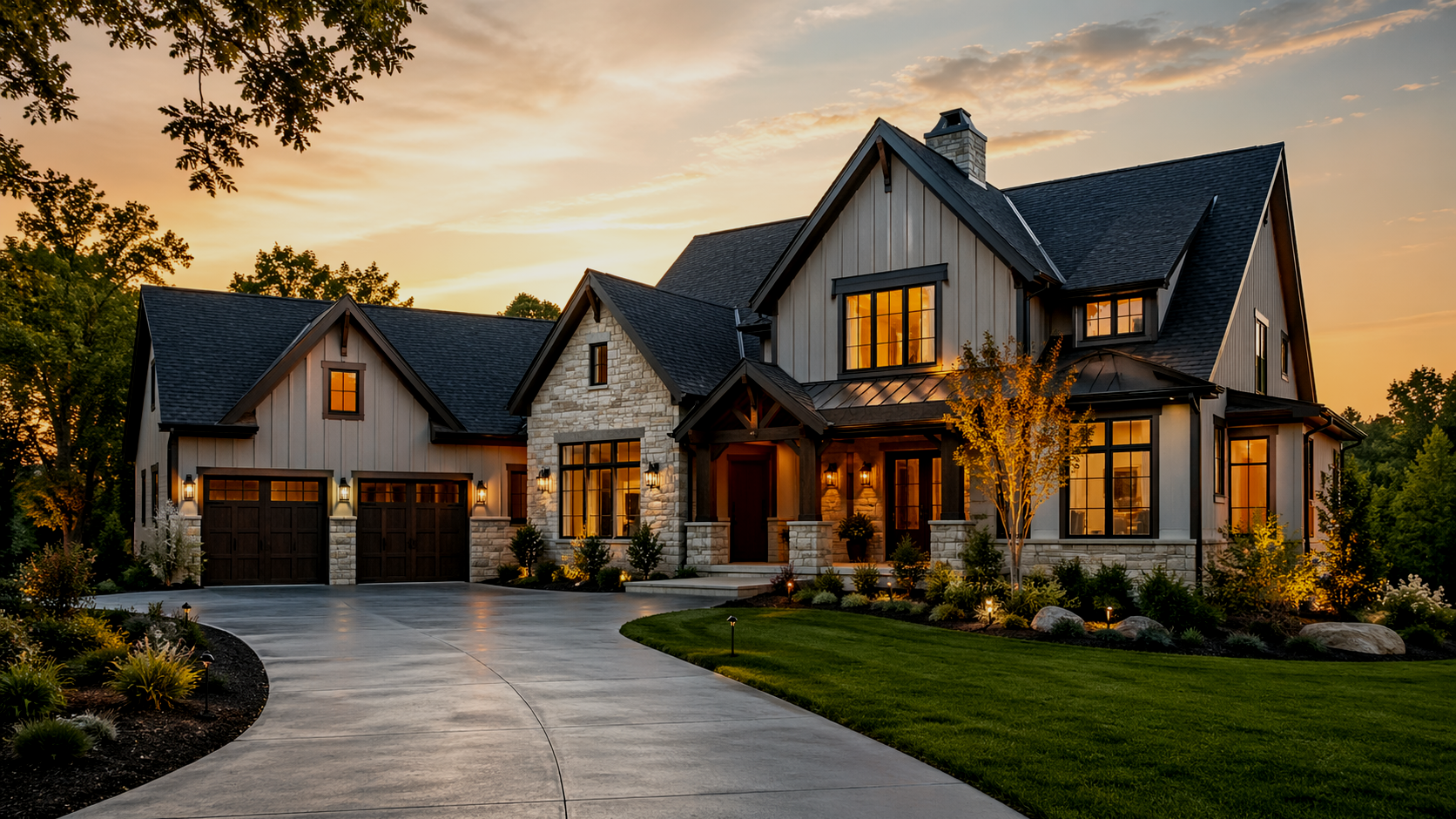
From early assumptions to planning-grade budget scenarios in a few simple steps
Dream Home helps users move from regional starting points to live planning-grade totals, comparisons, and saved scenarios.
1

Start with region and county context
Begin with planning-grade regional estimates and county-aware benchmark adjustments.
2
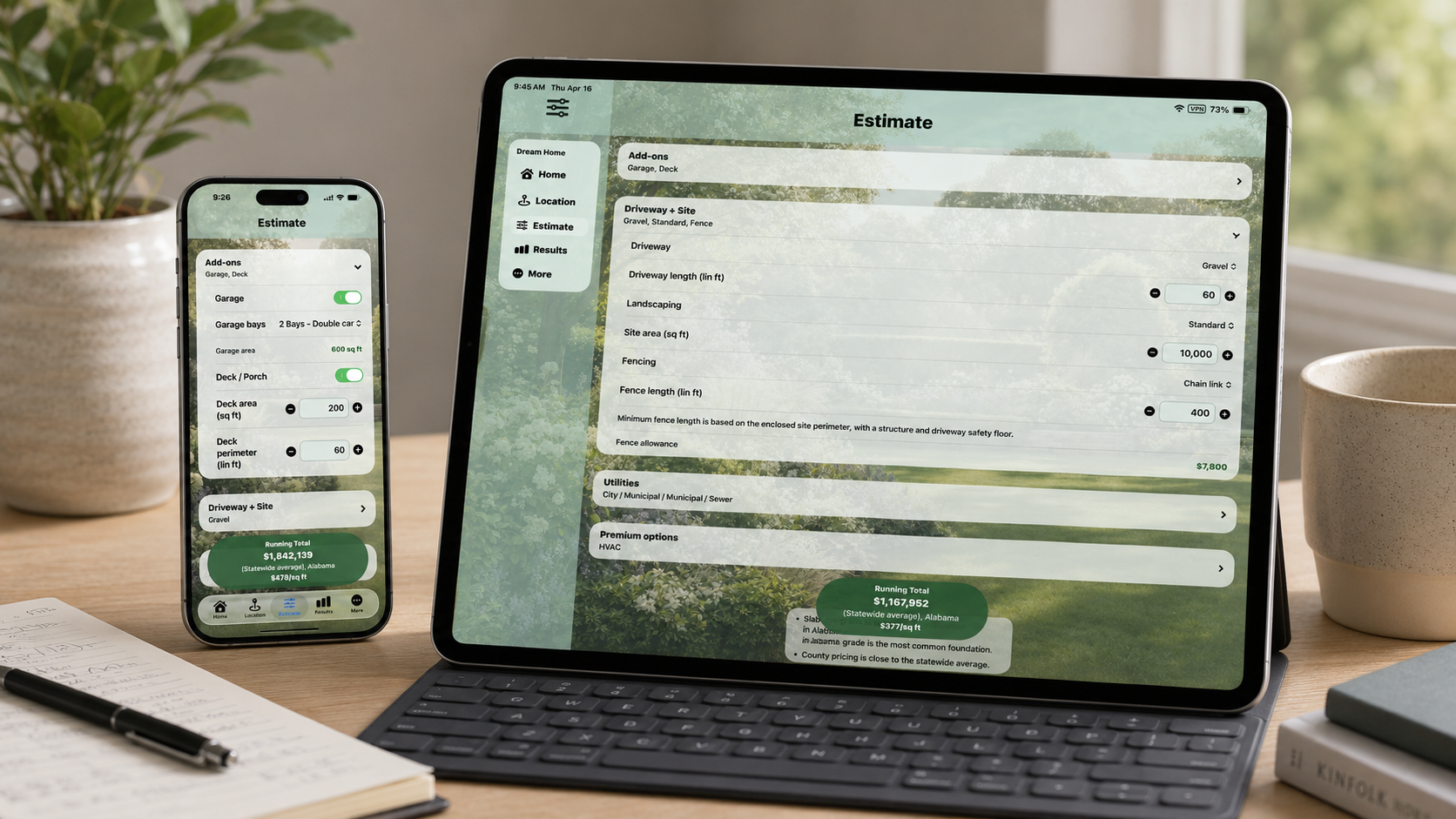
Adjust structure and living-space choices
Set bedrooms, bathrooms, levels, garage, basement, deck, and other core project options.
3
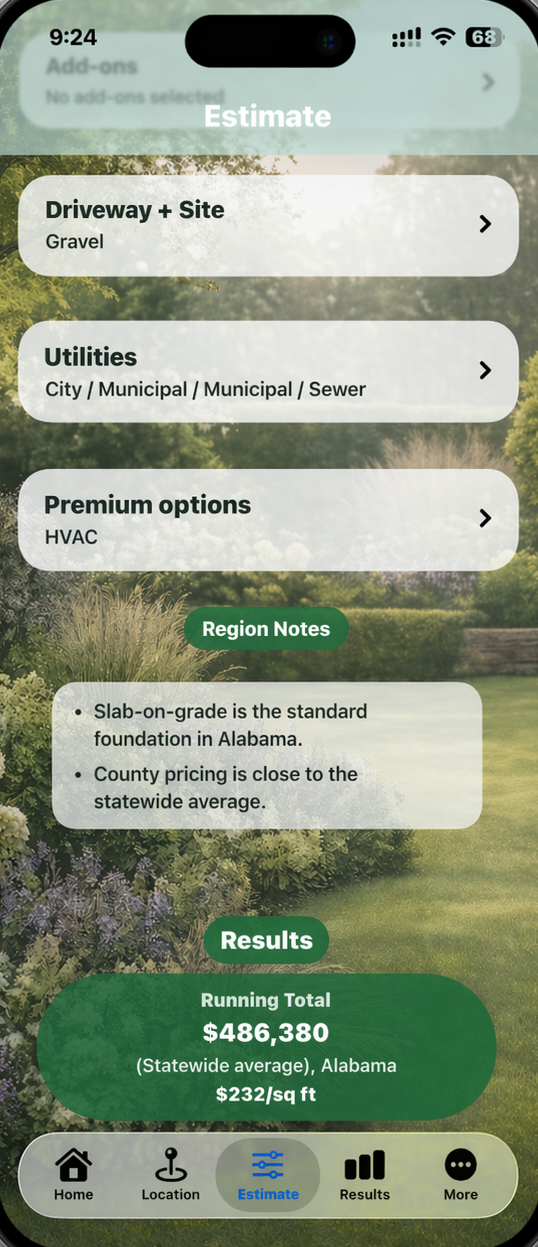
Add site, utility, and premium inputs
Explore driveway, fencing, well, septic, pool, solar, and other planning inputs to refine the scenario.
4
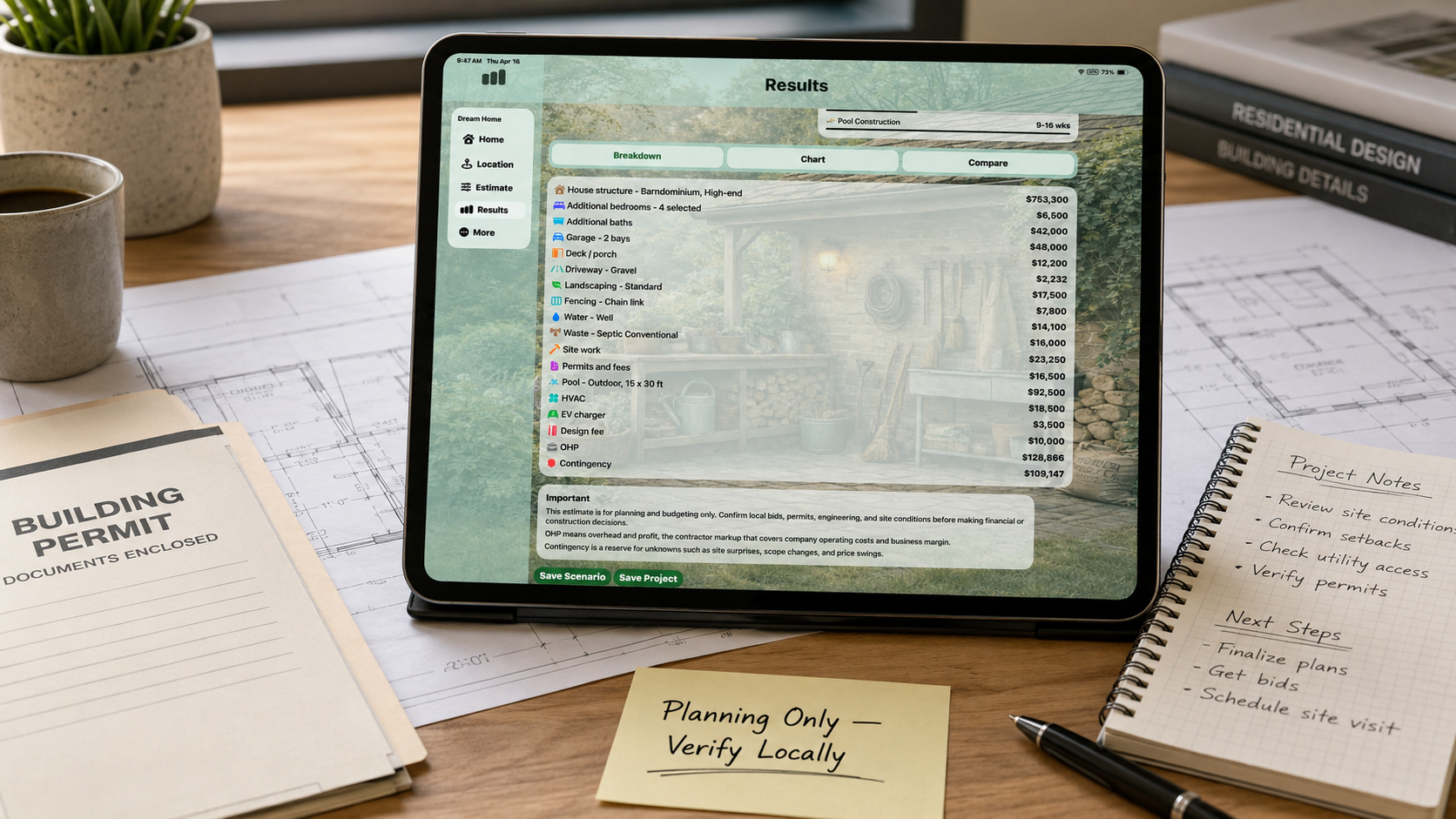
Review the live planning summary
Review the live total, cost-per-area comparison, detailed breakdown, and scenario context in one place.
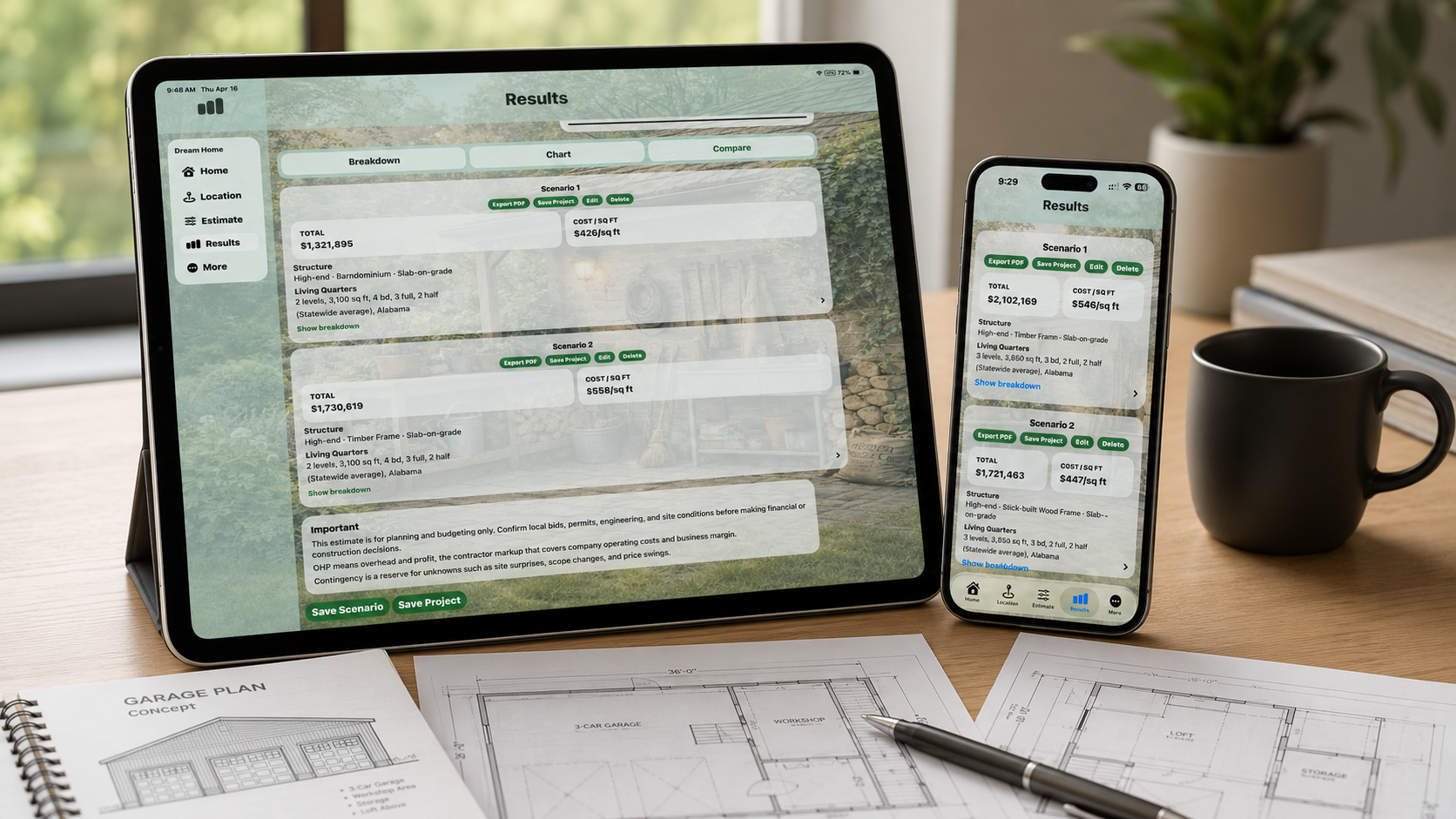
Compare directions before committing
Use side-by-side scenario comparison to explore different build directions before committing to one.
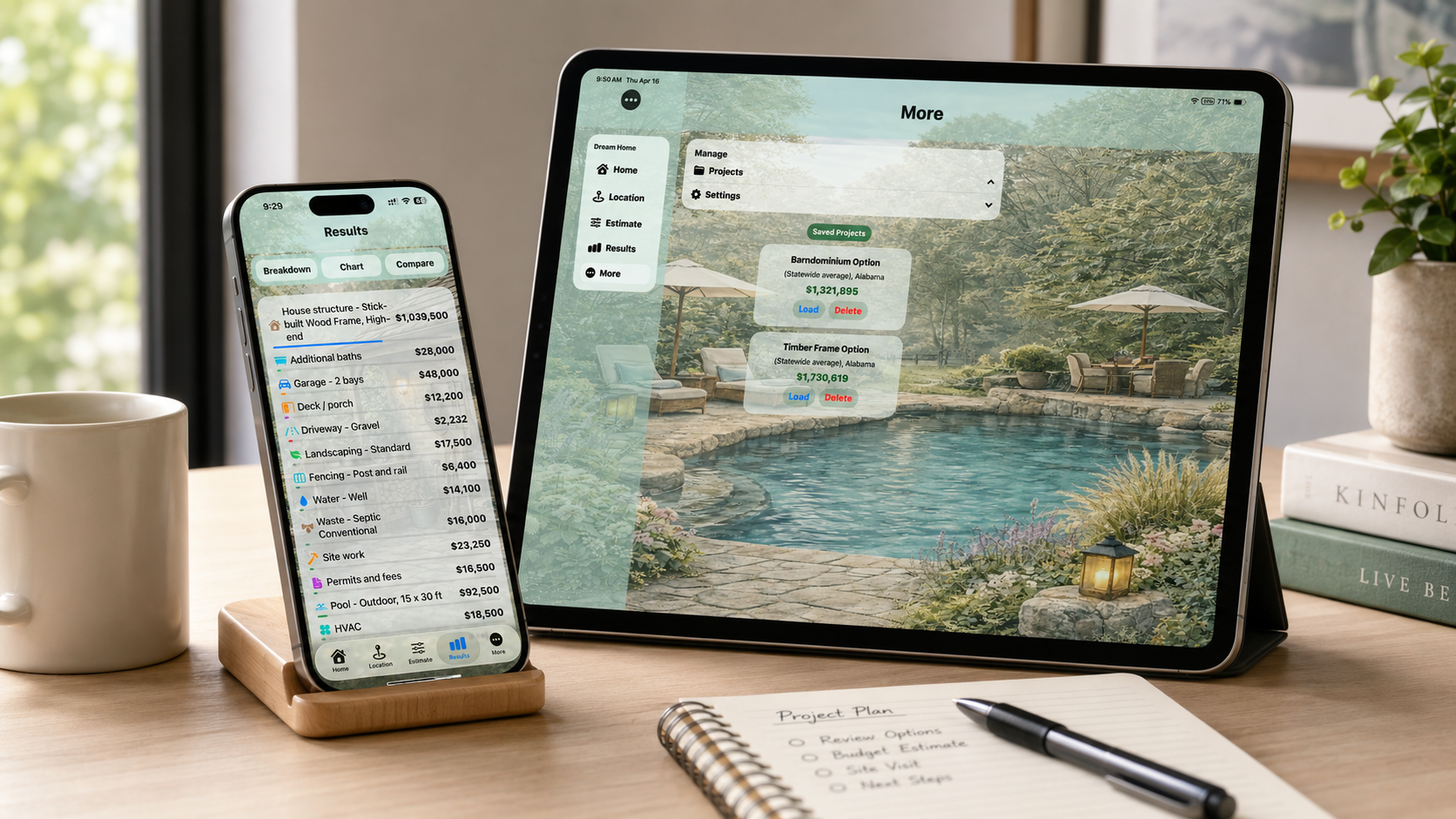
Save projects and export summaries
Save longer-term concepts as projects and export scenario summaries to PDF when needed.

Available on the App Store — $4.99 one-time purchase
Works on iPhone & iPad